
How to Book a Car in Just 3 Easy Steps
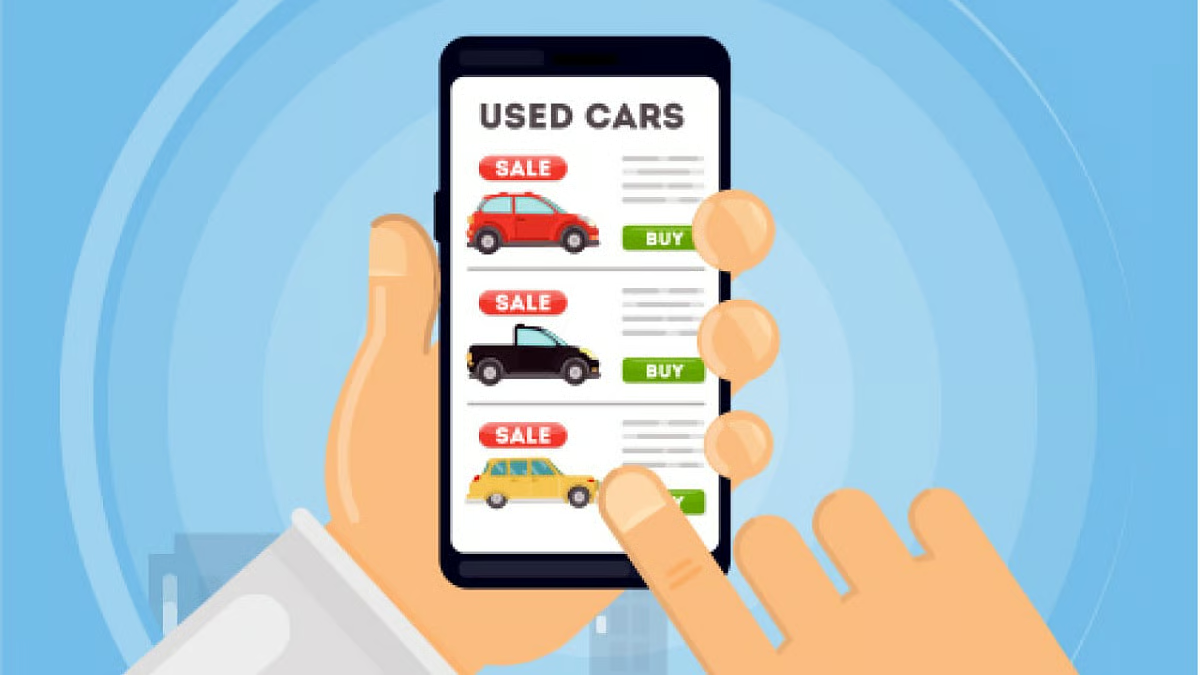
1: Search Your Ride
Enter your pickup location, dates, and car preferences in our easy search tool. From luxury sedans to SUVs, find the perfect car for your trip.

2: Swipe & Reserve
Browse verified cars near you. Swipe through options, check reviews, and confirm your booking instantly—no long waits, no hidden fees.

3: Drive & Enjoy
Pick up your car or opt for doorstep delivery. Start your journey with peace of mind insurance and support are included.
Why Choose Swipe A Car?
1. Affordable Pricing, Premium Experience
Enjoy luxury rides at budget-friendly rates without compromising on quality. Our smart pricing keeps it fair for both renters and owners.
2. Fully Insured Rentals
Drive stress-free with comprehensive insurance coverage on every trip, powered by trusted partners.
3. Instant Booking & Swipe Feature
No waiting games swipe, book, and hit the road in just a few taps. A modern experience built for convenience.
4. Local Cars, Verified vendors
Choose from reliable, verified vendors near you, supporting your community while enjoying premium rides.
Flexible Pickup & Drop-off Options
We make getting on the road simple and hassle-free. Choose the handoff that works best for you.
Meet in Person
Your host greets you at your selected location and hands you the keys directly.
Secure Lockbox
Receive a unique code from your host, unlock the box, and grab your keys with ease.
Doorstep Delivery
Prefer ultimate convenience? Many hosts offer delivery right to your home, office, or airport.
Explore Premium Car Brands


Frequently Asked Questions
Where can I use Swipe A Car?
Swipe A Car is currently available in Dallas, TX, with new cities coming soon. We’re building a trusted community of hosts and drivers, so keep an eye out—your city might be next.
What do I need to book a car?
Booking is simple. You’ll just need:
A valid driver’s license
To meet the minimum age requirement (shown during booking)
A verified payment method
That’s it—you’re ready to hit the road in minutes.
Can someone else drive the car I booked?
Yes, but they must be an approved additional driver on your booking.
For safety and insurance reasons, only registered drivers can take the wheel. Adding another driver is quick and can be done during checkout.
What if I run into an issue or emergency?
Your safety is our top priority. If something comes up:
Use the in-app Help & Support button to get instant assistance
Call our 24/7 support line for emergencies
Hosts and Swipe A Car both work with you to get back on the road quickly
How do I get discounts on my bookings?
Taking advantage of special seasonal promos
Referring friends through our Referral Rewards Program
Joining our Swipe Loyalty Program (coming soon!)
Can my car be delivered to me?
Absolutely! Many hosts offer car delivery to your location, whether it’s your home, office, or even the airport. You’ll see delivery options and pricing when you book—just pick what works best for you.